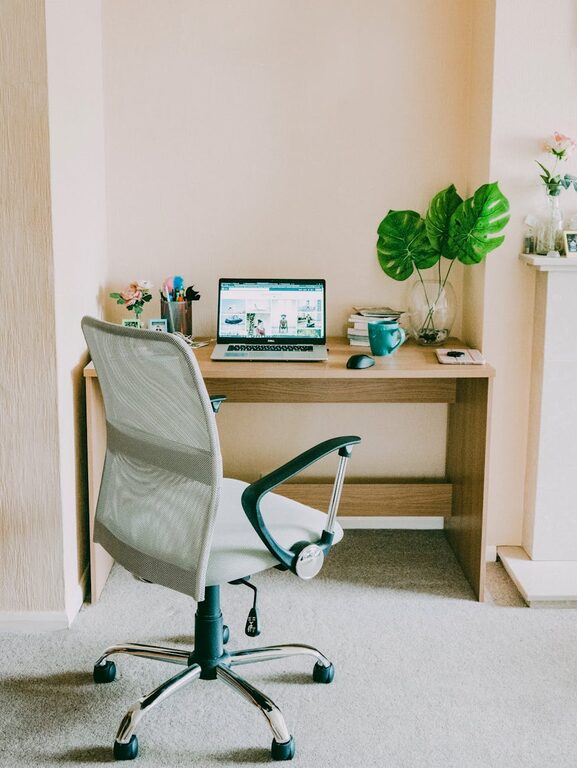
Creating a home workspace that boosts productivity and fits your lifestyle can transform how you work and feel throughout the day. Whether you’re a full-time remote worker, a student, or someone managing a mix of home and office responsibilities, your workspace should support your unique needs. This guide provides helpful tips to design a productive home workspace that adapts to different lifestyles.
Understanding Your Lifestyle Needs
Before setting up your workspace, consider how your daily routines and work style shape your requirements.
– Full-time Remote Workers: Need a dedicated, distraction-free zone for focus and video calls.
– Part-time Remote Workers or Weekend Workers: Require flexible setups that can be packed away or adjusted.
– Students: Benefit from ergonomic study areas with good lighting and minimal clutter.
– Busy Parents or Caregivers: Need practical solutions to balance work with family life.
Identifying your lifestyle helps you prioritise space, furniture, and organisation.
Choosing the Right Location
Your workspace’s location plays a significant role in your productivity.
1. Quiet Corners
Select a quiet part of your home away from high-traffic areas like kitchens or living rooms. This helps reduce distractions.
2. Natural Light
Position your desk near a window to take advantage of natural light, which can boost mood and energy. However, avoid screen glare by placing your computer perpendicular to the window.
3. Dedicated Space vs. Shared Space
– Dedicated Workspace: Ideal for those who work long hours; it psychologically separates work from leisure.
– Shared Space: Works well for short sessions or if space is limited; use room dividers or portable screens to create boundaries.
Essential Furniture and Equipment
Investing in the right furniture and technology matters for comfort and efficiency.
Desk and Chair
– Opt for an adjustable chair with good lumbar support.
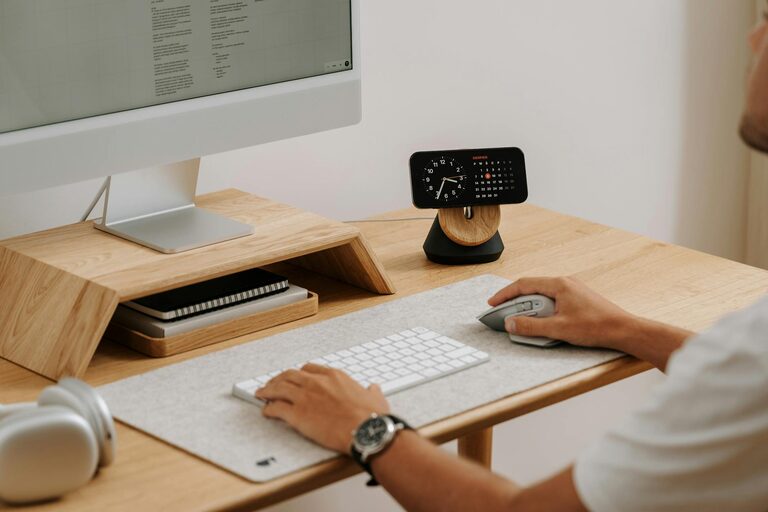
– Choose a desk with sufficient space for your computer, notebooks, and other tools.
– Consider standing desks or desk converters if you prefer to alternate positions.
Technology and Accessories
– Reliable internet connection is vital.
– Use ergonomic keyboards and mice to avoid strain.
– Invest in a good-quality webcam and microphone for clear communication.
Storage Solutions
– Use shelves, drawers, or filing cabinets to keep documents organised.
– Keep everyday items within reach and store non-essential items away to reduce clutter.
Personalising Your Workspace
Personal touches create an environment that feels inspiring and comfortable.
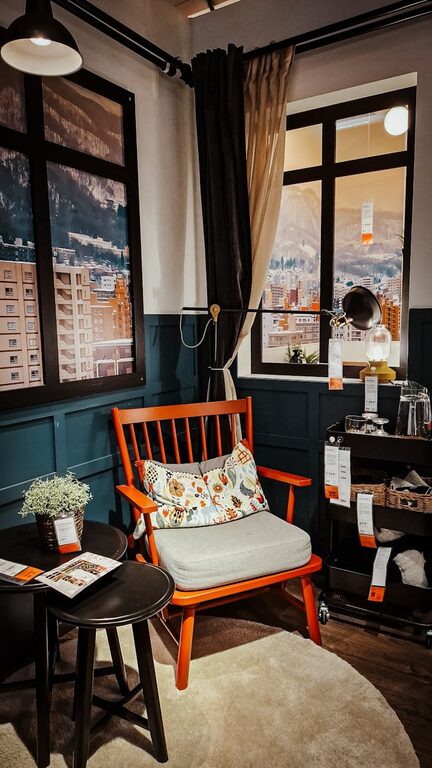
– Add plants to improve air quality and provide a calming atmosphere.
– Use artwork or motivational quotes to personalise the space.
– Choose calming colours; blues and greens are known to enhance concentration.
Organising for Productivity
Organisation boosts efficiency and reduces stress.
Daily Routine Setup
– Start your day by planning tasks and setting goals.
– Keep a notepad or digital task manager nearby.
– Break work into focused intervals, for example, using the Pomodoro technique.
Clutter Management
– Clear your desk at the end of each day.
– Regularly sort through papers and digital files.
– Use cable organisers to manage wires and keep the area tidy.
Adapting Your Workspace for Different Lifestyle Needs
For Parents or Caregivers
– Create a workspace that allows easy supervision of children.
– Use noise-cancelling headphones to maintain focus.
– Choose furniture that can double for family use, like a desk with extra surface area.
For Students
– Prioritise ergonomics to prevent discomfort during long study sessions.
– Implement a system for organising textbooks and supplies.
– Ensure there is adequate lighting for reading and writing.
For Creative Professionals
– Include ample space for drawing, brainstorming, or crafting.
– Incorporate mood boards or whiteboards.
– Keep inspiration sources, like books or colour samples, nearby.
Maintaining Work-Life Balance
Even the best workspace won’t help unless you maintain healthy work habits.
– Set clear working hours and stick to them.
– Take regular breaks to stretch and rest your eyes.
– Avoid working in bed or the sofa to keep rest areas separate from work zones.
Final Thoughts
Designing a productive home workspace tailored to your lifestyle doesn’t require a large budget or a whole room. Thoughtful planning, smart choices, and regular organisation can make your home office a place where you feel motivated, comfortable, and ready to focus. Whether you have a busy household or a small apartment, these tips will help you create a workspace that works for you.